
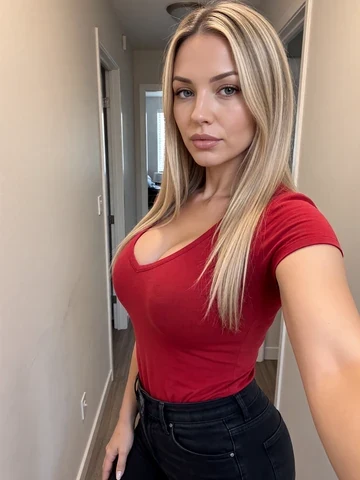

Build a coherent profile
- Choose an adult character and a visual style from the options offered.
- Give the character a name and a role.
- Choose two or three compatible personality traits.
- Write an introduction with a situation the other person can respond to.
- Start a short conversation and check whether the tone matches what you intended.
An example profile
- Name and role
- Alex, an adult travel photographer planning a coastal trip.
- Personality
- Observant, patient and quietly humorous.
- Conversation style
- Brief descriptions, natural questions, and room for the other person to make decisions.
- Opening
- A map is spread across a cafe table. Alex points to two towns and asks which one you would visit first.
The details reinforce each other without requiring an elaborate backstory.
Creator versions and available options
The V2 creator differs from older V1 characters. Existing V1 profiles can remain, but new V1 creation is no longer offered and a V2 upgrade cannot be reversed to V1. Use the choices currently displayed in the creator; do not assume every appearance option has the same availability across versions.